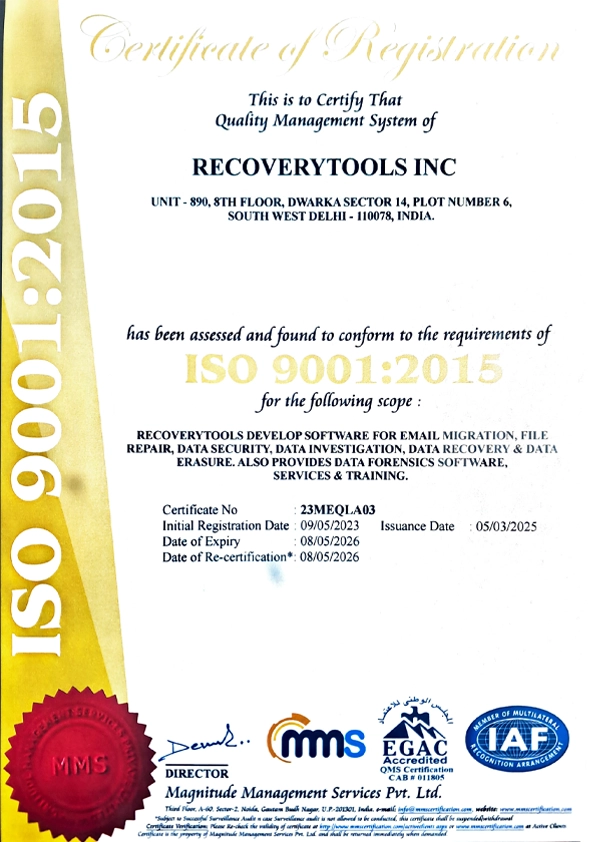
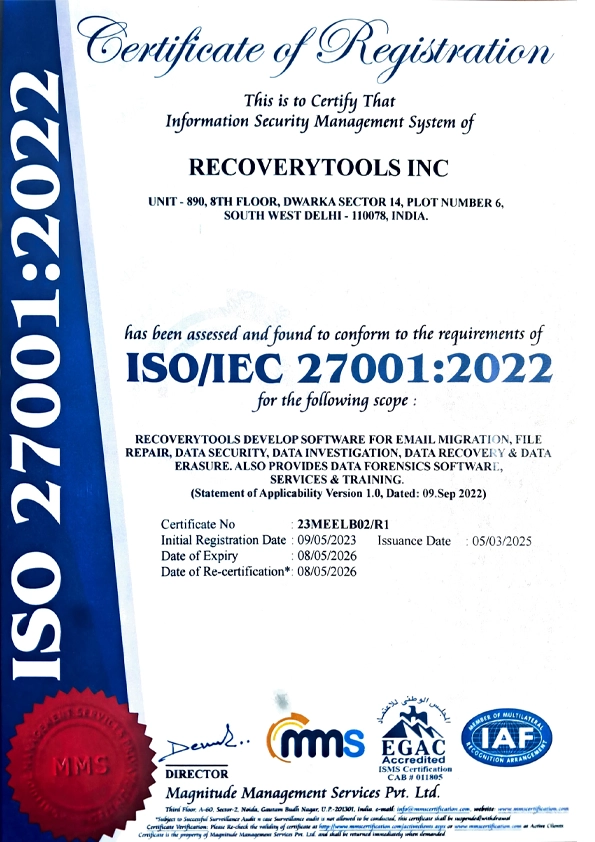
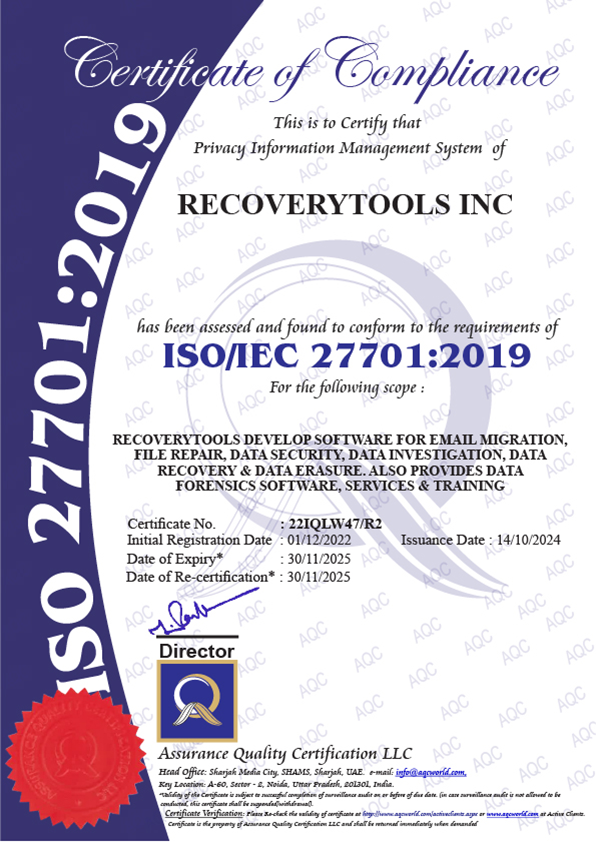
RecoveryTools Gmail migration is certified by ADA CASA Security for supporting Google OAuth 2.0 Authentication that lets users safely login to their Gmail account directly via Google.


Explore The Software

Screens

Video

Guide
Certified Gmail Migration tool to easily batch migrate multiple Gmail emails and accounts at once. Built with advanced API technology and OAuth 2.0 for a 100% safe Gmail migration.
*Free download to scan and preview your Google data before migration.

Need Expert Help with Your Cloud Migration?
Planning a massive Google Workspace to Office 365 transition? Let our experts handle your complete data lifecycle with our managed Cloud Migration Services. We ensure zero downtime and absolute data integrity.
The Hidden Risks of Manual Gmail Migrations

No Granular Filtering
Native migration tools such as Google Takeout and basic IMAP do not provide any advanced filtering options. They do not provide the option to exclude certain date ranges, promotional folders, or other unnecessary labels.

Loss of Structure & Metadata
Manual methods do not preserve unique structure of Gmail "Labels". Hence users loses original email formatting and metadata when they migrate to platforms like Office 365 or Outlook.

Lack of Batch Processing
Native tools often impose challenges when batch migrating Gmail emails. Migrating whole organization requires a lot of technical efforts and time.
This tool eliminates all the manual efforts while migrating from Gmail

Supports Batch Migration
RecoveryTools Gmail migration tool allows to migrate multiple Gmail accounts and mailboxes in bulk at once.

Preserve Labels & Sub-labels
Transfer Gmail email data accurately and without losing any metadata, original folder structure and formatting.

Custom-Filtered Migration
Use Advanced Filters to migrate specific Gmail emails based on criteria like Date Range, To, From, and Subject.
Migrate from Gmail to Popular Platform

What Gmail Data It Migrates

Emails

Attachments

AI Mailbox

Metadata

Labels
Tested Key Features
Migrate Gmail Emails in Bulk
Our Gmail transfer tool allows to bulk migrate Gmail emails, folders, and labels without any limitations. Users can quickly migrate large Gmail mailboxes at once.

Selective Migration with Filters
With the help of Filter Options you can select and migrate the important Gmail data according to the Date Range, To, From and Subject filters.

Migrate Multiple Gmail Accounts at Once
Batch mode features of Gmail migration tool enable users to migrate emails from multiple Gmail accounts at once with the help of a CSV file containing credentials for all Gmail accounts.

Originality & Structure Intact
Transfer the original Gmail account data. Gmail email migration tool guarantees to keep metadata, formatting, AI inbox rules, sub-labels and structure unchanged.

Google OAuth Authentication
ADA CASA certified secure login. Users can easily log in to Gmail accounts directly using Google OAuth Protocol bypassing complicated app passwords.

Avoid Duplicate Emails
Gmail migration tool provides "Incremental Feature" to migrate only newly received emails in Gmail mailbox and avoid duplicacy.

Admin Team Controls
The Gmail data migration tool provides "I am admin" option for team administrators moving to Microsoft Exchange or Office 365. It lets them directly move users data into team's Office 365 user, admin, or shared mailboxes.

Mac & Windows Compatibility
Gmail migration tool for Mac and Windows is easily compatible with all the current and previous versions of both operating systems.
Screenshots & Video

Step 1: Run the Gmail migration tool on Mac or Windows, enter email address & click Sign In via Google.

Step 2: Check or uncheck the email folders and labels you want to migrate from Gmail.
Step 3: Select any preferred Saving option to migrate Gmail emails.

Step 4: Apply Advanced Filters like Date Range, from, to, or exclude specific folders if required.

Step 5: Hit Start button to start transferring Gmail emails securely.
Built for scale, whether you're moving a single inbox or a large enterprise.

Users Reaching Storage Limits
If a person’s Gmail account has become full, they can simply transfer their previous emails to another email address or personal computer. This will create more storage space for them without paying for a cloud service.

Businesses Switching Domains
A Gmail migration tool is required when a business opens a new site, it is easy to ensure all old emails, customized folders, and partner contacts are moved to a new email domain without losing any important client details.

Companies Moving to Microsoft
If a company leaves Google in favor of Microsoft, it can easily migrate all important Gmail emails, customized headings, and calendar events to Microsoft 365 without needing to employ anyone for the process.
Choose RecoveryTools Gmail transfer tool if you want to smoothly migrate Gmail emails
Migrating Gmail emails manually is a technical, time-consuming and challenging process. Our Gmail migration tool is easy, quick, and reliable.
System Requirements & Specs

| Name: | RecoveryTools Gmail Migration Wizard |
| Version: | 8.6 |
| Size: | 77.3 MB |
| Last updated: | 28, September, 2026 |
| Delivery: | Free via Email |
| Free Version: |
What's New?
v8.6 Features

|
Trial Limitations: |
The Gmail Migration tool provides a complimentary trial, letting users test its capabilities and features. With the trial edition, you can migrate up to 25 emails from every label/folder. |

| Hard Disk Space: | 400 MB of free hard disk space required for installation |
| RAM: | 4 GB of RAM (8 GB recommended for bulk migrations) |
| Processor: | Intel® Pentium 1 GHz processor (2.4 GHz is recommended) |

|
Platforms: |
Windows: Windows 11, 10, 8.1, 8, 7, Vista, XP (32-bit and 64-bit). | Mac: Golden Gate, Tahoe, Sequoia, Sonoma, Ventura, Monterey, etc. | Windows Server: 2025, 2022, 2019, 2016, 2012, 2008, 2003, and 2002. |

|
Product Guide: |
Making Your Choice Easy
 Download Now
  Buy Now
 Get Your Answers
Yes. RecoveryTools Gmail transfer tool can easily migrate multiple Gmail accounts at once without any manual effort.
No, the tool supports Google OAuth authentication and does not require an app password to connect Gmail account.
Yes. Users can apply advanced filters to migrate desired Gmail emails according to date range, folders, from, to, and subject.
You're in Good Hands
"We successfully migrated more than 180 Gmail accounts. This software made it possible for our staff to save countless hours of tedious work. It also ensured the smooth transfer of all our Gmail emails, attachments, and folders."


Adam John, Sweden
"As a specialist in IT consulting, my objective is to ensure data safety. I have worked with this software for many Gmail transfers. The good thing about it is that the tool does its job on one's computer so nothing gets uploaded on the internet."
Oleg Tokamak, Tokyo
"When I reached the limit of storage space with my Gmail account, I knew I couldn't afford to pay extra charges anymore. Thankfully, RecoveryTools Gmail migration tool helped me to transfer all the information safely."
Edvin Cooper, United States


 Support
  Blog
Blog  +1 7025533020