Screens

Video

Guide
 100% Safe and Secure
  30 Days Money Back*
Use this tech-friendly and trustworthy SurgeMail export tool which allows a user to convert all the mailbox items to 30+ file formats or email clients. This utility ensure complete data safety and accuracy throughout the process to convert SurgeMail data. To test the efficiency of the software, one can also download its demo version which is completely free of cost. Some of the SurgeMail elements the RecoveryTools SurgeMail Migrator supports are:

Emails

Contacts

Calendars

More Items
This tool is one of the best SurgeMail Migration toolkit. The best thing is that it is very easy to install & manages all the data like a professional. Plus, this RecoveryTools SurgeMail migrator is one of the fastest and most reliable solution to share even the most sensitive data. The tool has a very interactive interface and comes up with various features, such as:
The All-in-One SurgeMail Migration tool is designed with advanced algorithms to reduce the complexity of complete SurgeMail Mailbox conversion process. It is a perfect toolkit available in present time to export SurgeMail emails as well SurgeMail Contacts to various email clients & file formats.

Batch Migrate Multiple SurgeMail Server
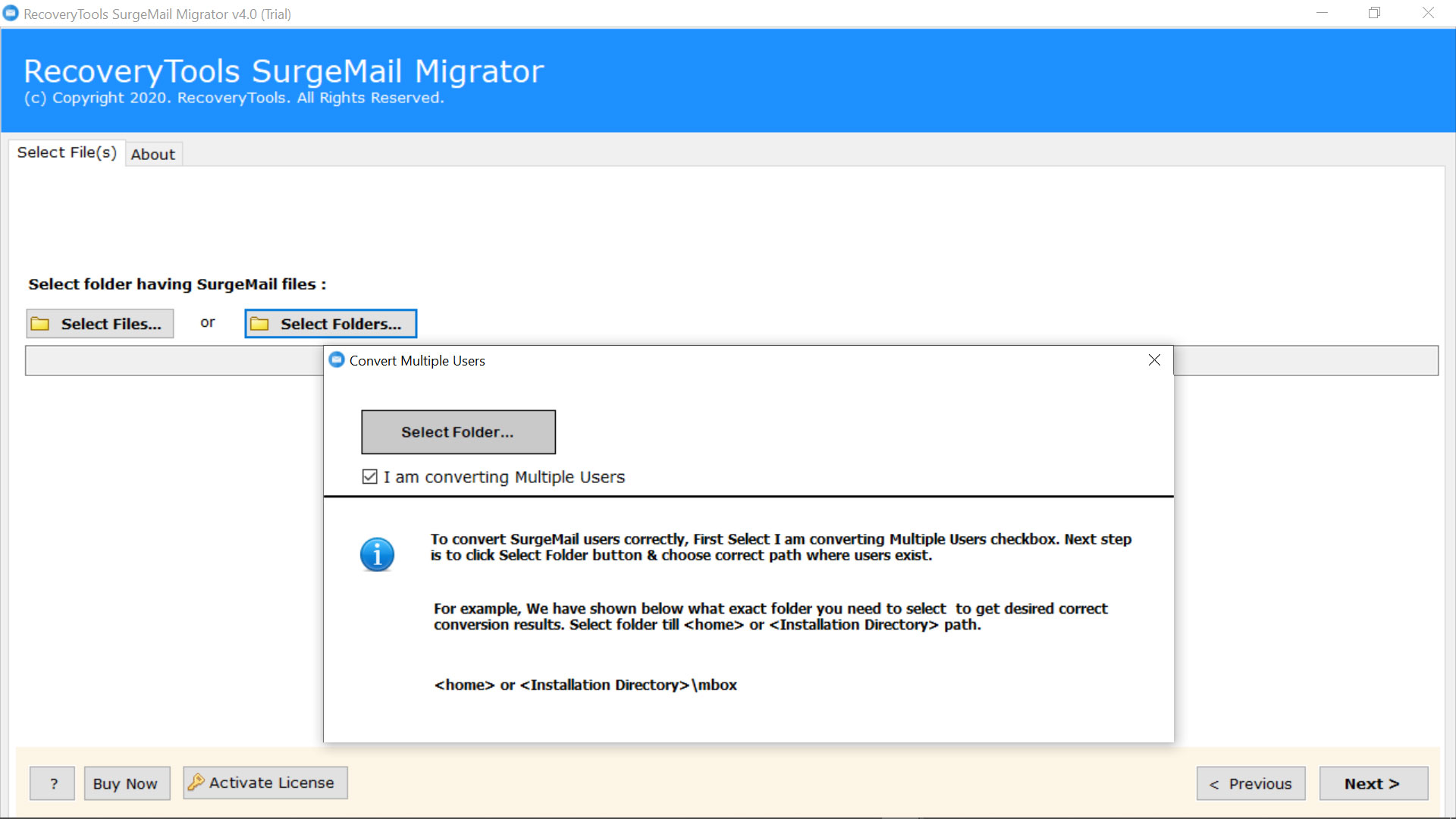
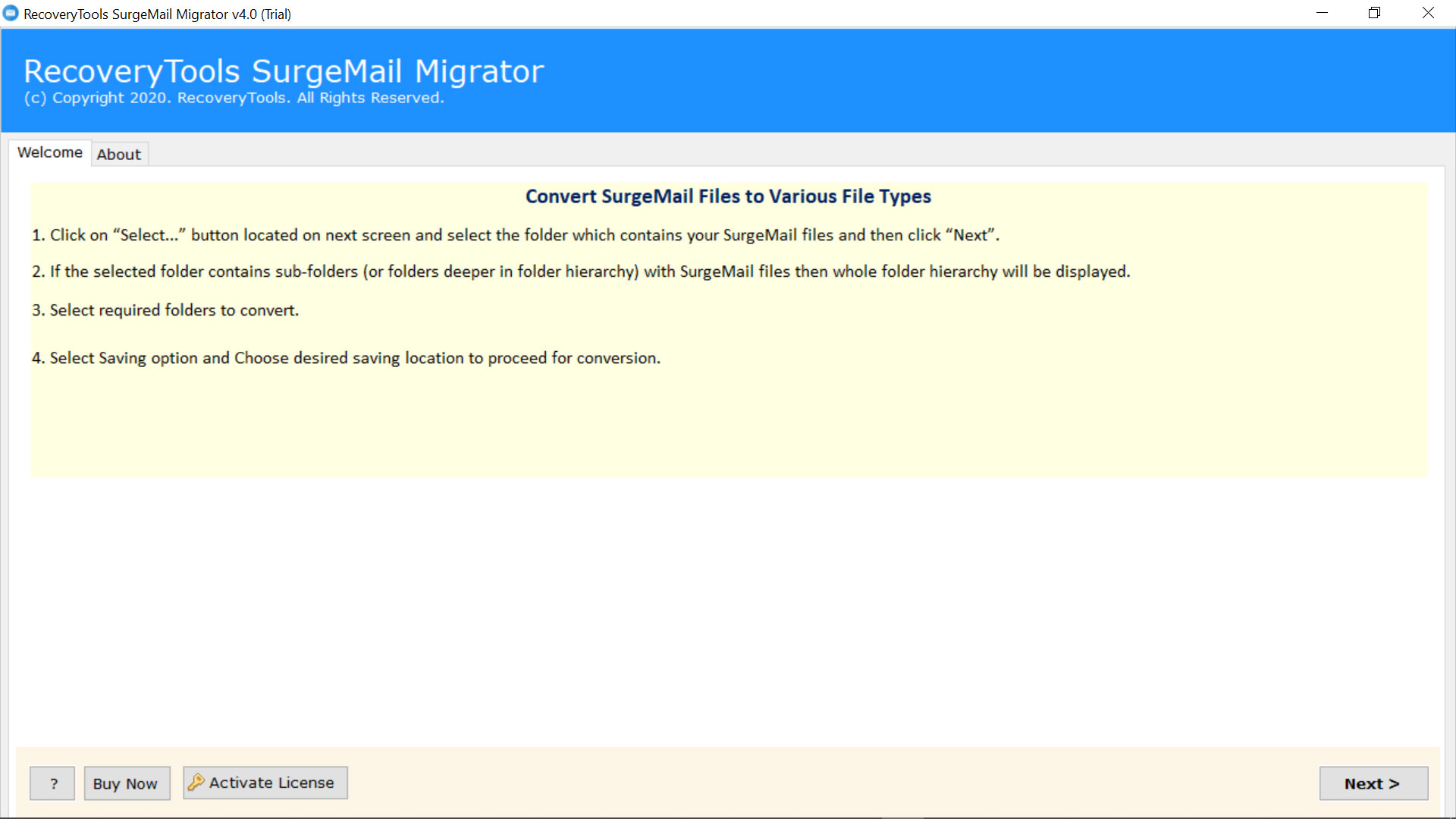
The SurgeMail Webmail Server Migration tool is one of the best solutions available on the web. It enables the users to migrate all the SurgeMail emails as well SurgeMail Contacts to various file formats & email clients in batch. One can load multiple SurgeMail users Mailbox data in the application panel by clicking on Select Folder option & choosing the folder having all the required data.

Maintains Hierarchy of Folders
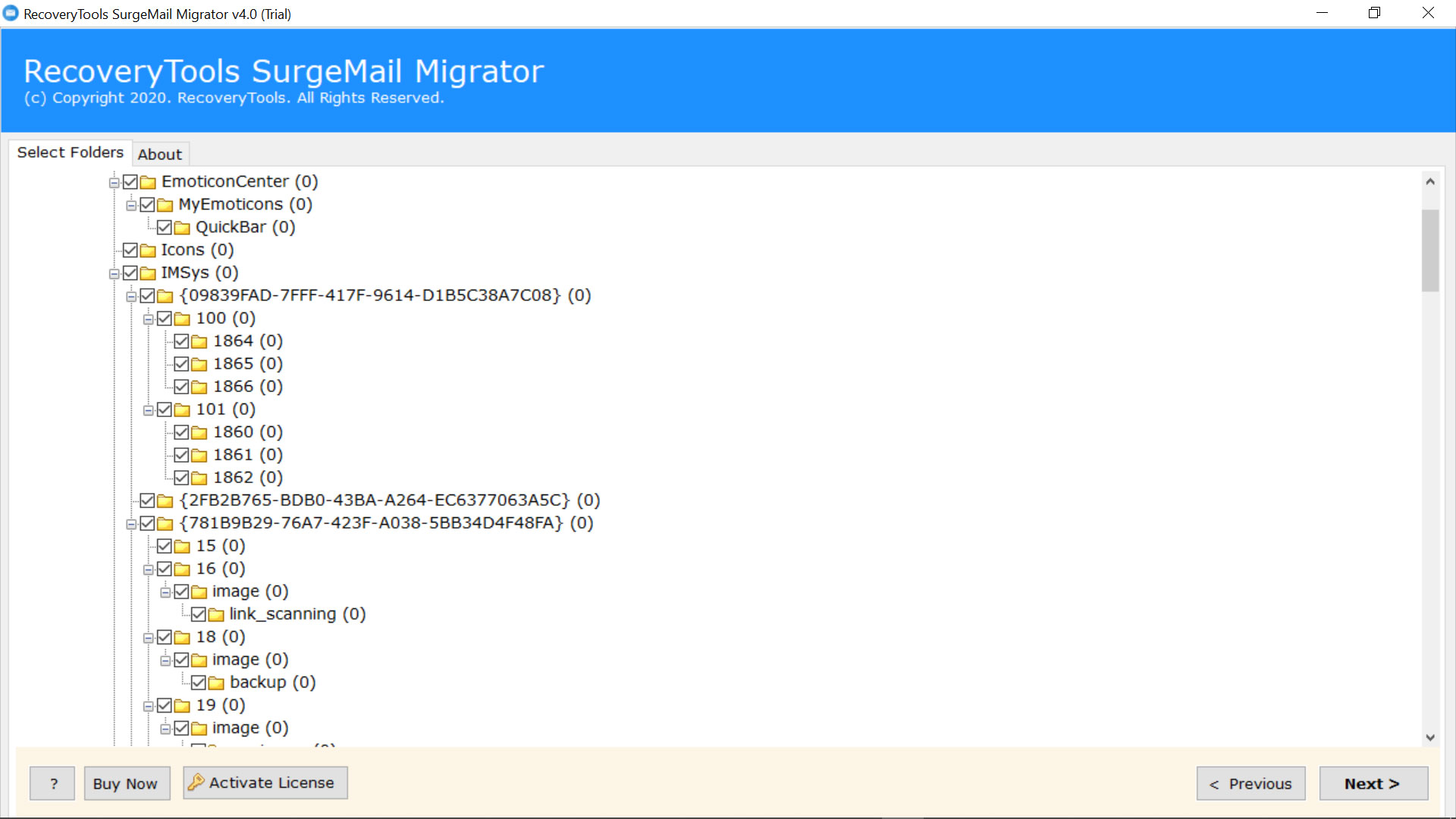
When the software loads the SurgeMail mailbox data in its panel, it then analyze that data & display all the mailbox folders with proper folder hierarchy. Thus, all the folders as well subfolders will be displayed in such a way that users can select only the required SurgeMail mailbox folders including Inbox, Drafts, Sent Items, Deleted Items, etc. This helps in generating a decluttered output.

Dual Selection Modes
With the help of this amazing SurgeMail Migration tool any user can selectively export only the required SurgeMail mailbox data & folders. Thus, the tool ask the users to choose only the SurgeMail single files or the entire folder having multiple SurgeMail mailbox data. One can browse for the source location of SurgeMail data either by click on Select Files or by click on Select Folders option.

30+ Saving Options to Migrate SurgeMail
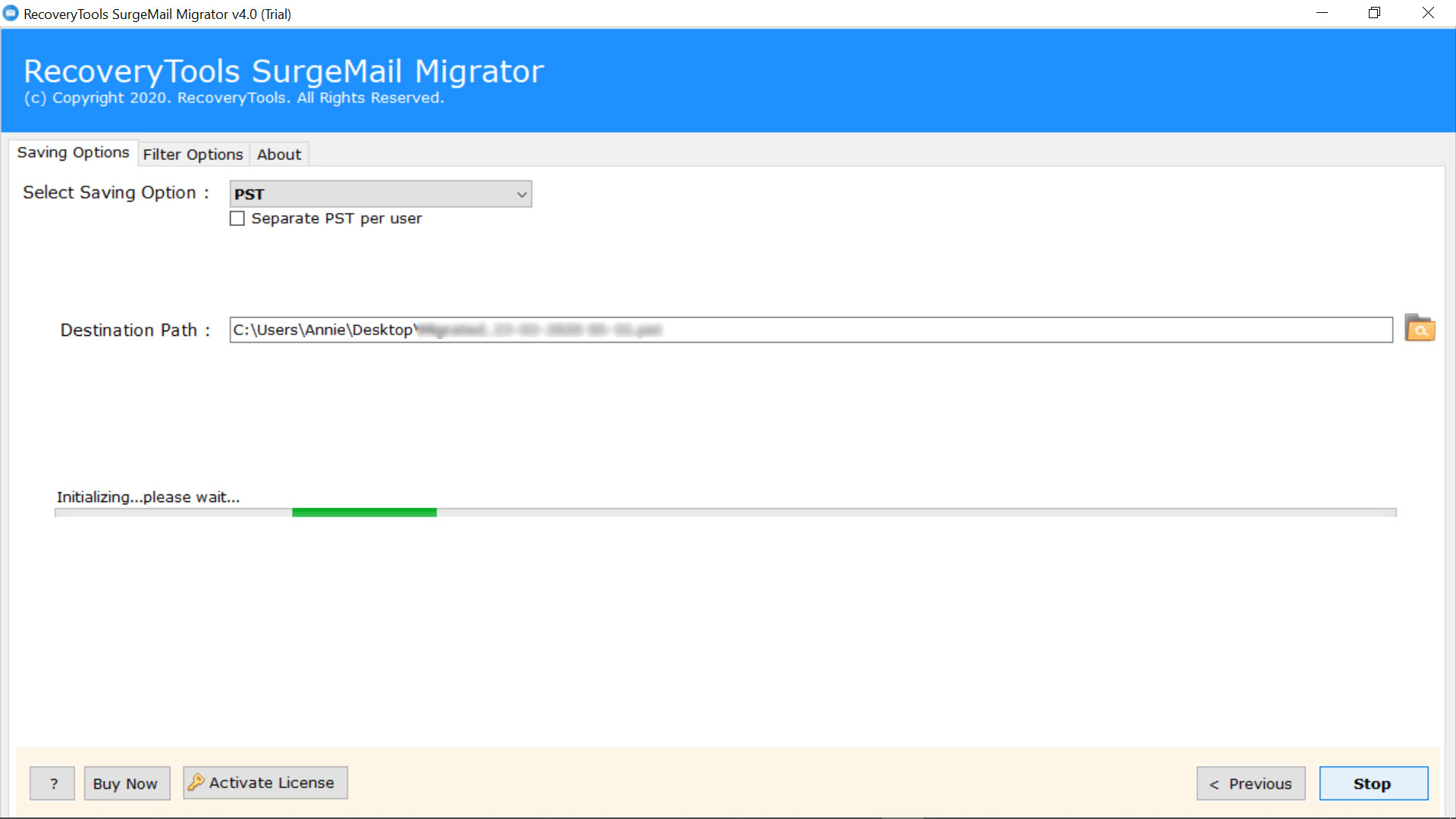
The SurgeMail mailbox migration tool provide users the option to export SurgeMail emails to 30+ file formats & email clients or Webmail services directly. But if you want to export SurgeMail contacts then you simply need to select the contacts data in the software panel & then choose saving options like vCard, PST or ICS file format. This makes the software a one-stop solution.

Provides 10+ File-Naming Options
The software comes up with different pre-set naming options for the users to manage their data in a simple way. When a user chooses the single message or file saving formats than the software allows the users to rename the resultant files as Original File Name or in an organized pattern of subject, date (with different date & time formats), & from of the message.

Support Attachments & Attributes
The software is designed in such a way to help the users while making the whole SurgeMail Migration process easier for the non-technical users. It will preserve the original integrity of the emails as well manage all metadata properties like To, Subject, Cc, Date, From, Signature, Font Formatting, etc. But the best thing is that it enables the users to migrate SurgeMail mailbox emails along with all inserted attachments.

Standalone SurgeMail Converter
The SurgeMail Migration tool is completely independent to perform its working. It is optional for the users to install & configure SurgeMail Email Server in your Windows machine. Hence, the user does not require any of the third-party plugin, software, or application to convert SurgeMail data.

Support the Latest Windows OS
The software is particularly designed for Windows operating system users & hence can successfully run on all latest versions & editions of Microsoft Windows. Install & launch this SurgeMail Migration tool on Windows 11, Windows 8.1, Windows 8, Windows 7, Windows XP, Windows Vista, etc. for both 32-bit & 64-bit OS editions. The software saves all the resultant data by default at desktop or the users can also save them at any of the local path.
Trial Limitations
Demo edition allows you to only convert first 25 items from every folder.
System Specifications
Hard Disk Space
Around 100 MB
RAM
2 GB RAM
Processor
Intel Pentium 1 GHz Processor
(2.4 GHz Processor Recommended)
Supported Editions
Electronic Delivery
Once the payment is successfully, the RecoveryTools SurgeMail Migrator Tool will be delivered automatically to the registered email address. In this email, you will receive a link to download the product and the activation key.
"I have SurgeMail Mail Server 7.3P which I was using from last 4 years. As of now I am not receiving any major update in it like fixing crash or login from specific IP addresses. I am now little bit concerned about the security of the mailbox data like with the help of Two-factor authentication. I have to add two fields in my database twomode & twocode. After analyzing all this I decided to switch from SurgeMail to any of the other Email client or Webmail service. At this time, this amazing toolkit comes up as a powerful toolkit allowing me to migrate all the mailbox data from one email client to another."


Jorge Contreras
"I was getting an error “Failed to detect host” while I was trying to access my SurgeMail Webmail service. It makes me unable to access my important mailbox items including my emails. When I go through an in-depth analysis of it, I found that it all happened in absence of integration of Webmail with SurgeMail Mail Server. To tackle with this issue, I want to export my resultant mailbox data from SurgeMail to any other mail server. Thanks to the developers of this amazing toolkit so that I am able to migrate all my mailbox data from SurgeMail to another mail server."

Marc Chavez


 Support
  Blog
Blog  +1 7025533020
 Download Now
  Purchase Now