Screens

Video

Guide
Experts’ Trusted No. 1 Utility to Export Ability Mail Server Emails, Contacts, & Calendars.
 100% Safe and Secure
  30-Days Money Back*
* Free Trial : You can also download the free version of Ability Mail Migrator to test its efficiency.
This utility is tested in different scenarios and certified as the best solution available in the market to migrate all Ability Mail users and server mailboxes safely.

Safe and Reliable Tool
The Ability Mail Migration tool follows strict compliance and data safety rules to ensure no data loss, manipulation, and breach at all. This maintains the sensitivity and privacy of the shared files throughout.

Professional Migration Services
The RecoveryTools Ability Mail Server Converter also offers certified migration services. It is done remotely by our trained engineers who understand user requirements, promise data safety, and professionally perform the drill.

Excellent Customer Support
The support team of this modern utility works 24x7 to address and resolve different user queries via live chat, email, video conferencing, calls, etc. The team gives customized solutions to every user as soon as possible.
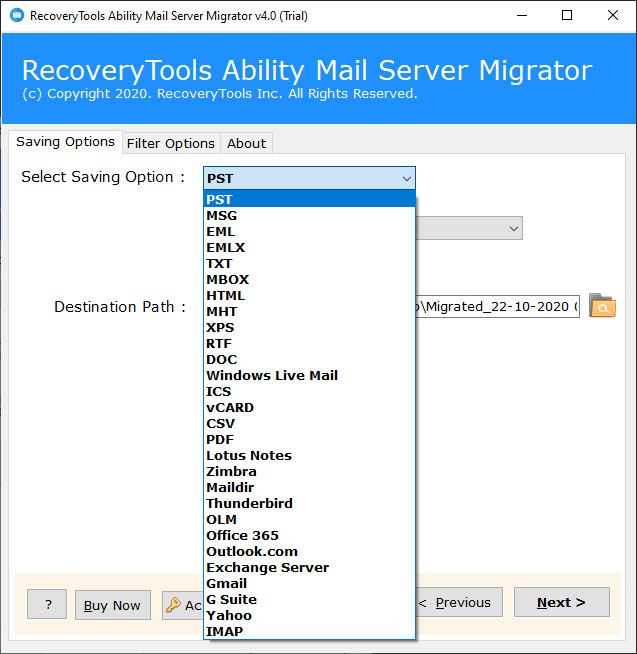
This notable software allows to save Ability Mail Server to 25+ export options including several email formats, servers, clients, accounts, webmail, etc.

Windows Live Mail

Lotus Notes

Thunderbird

Office 365

Exchange server

Gmail

Outlook.com

Yahoo

Zimbra

IMAP

PST

MBOX
This solution to migrate Ability Mail data is loaded with modern features to fulfill the advanced user requirements. Some of the prime features are as follows.

Data Selection Modes
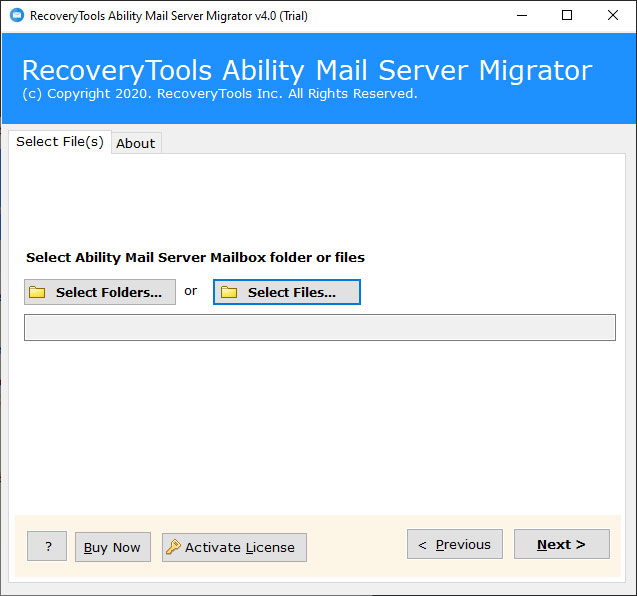
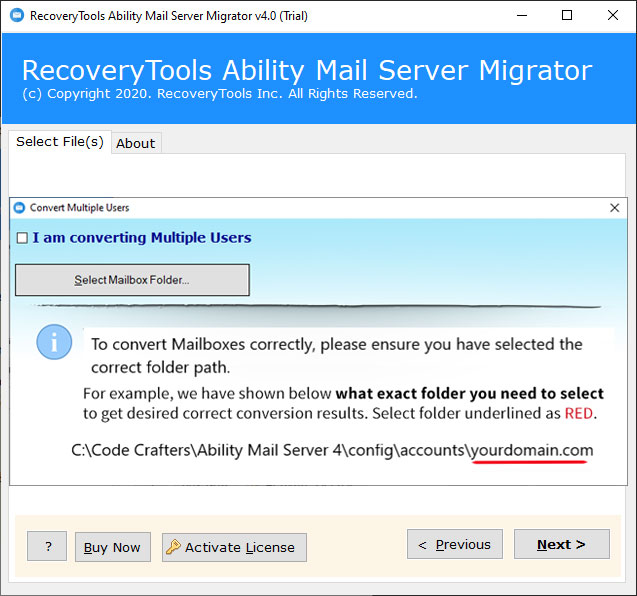
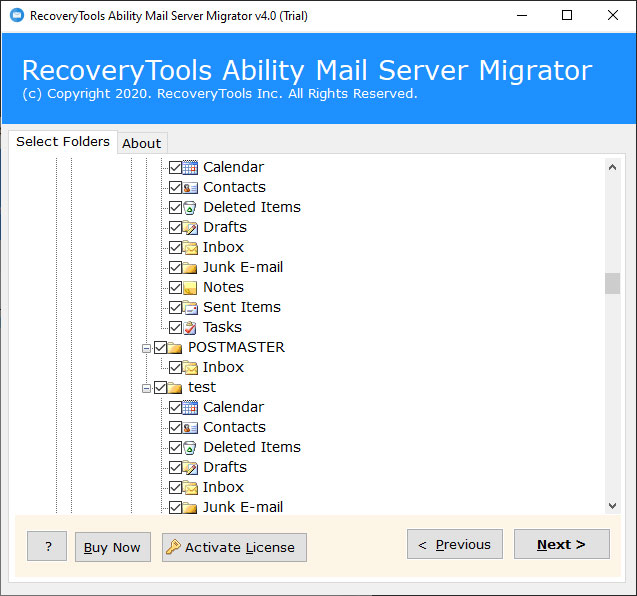
The software provides dual selection options that are Select Files and Select Folders to choose Ability Mail Server single user or multiple users mailbox data in one-click. Plus, you can also check the preview of selected folders for a decluttered output.

Output Management Options
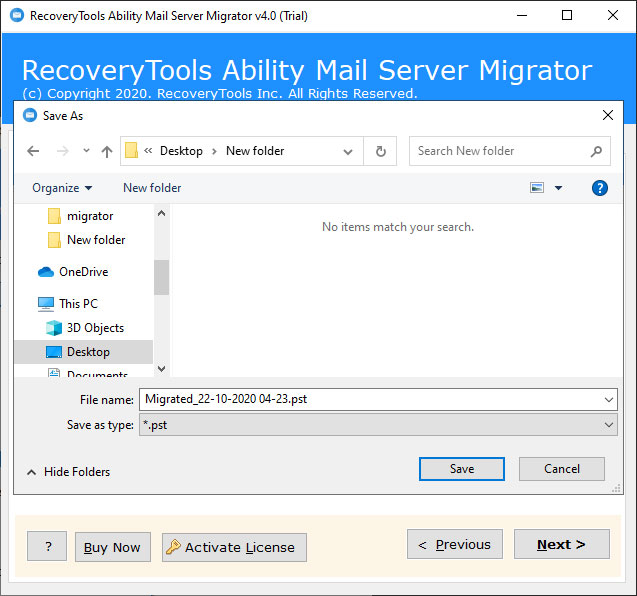
Another unique yet helpful feature of the RecoveryTools Ability Mail Migration tool is that it offers 10+ different file naming options and saving destination option to easily access the output data and also manage them professionally or as required.

Supports Hierarchy & Metadata
This program supports all the folders of the mailboxes and hence, keep the same hierarchy even after the Ability Mail Server conversion. Plus, it also supports metadata properties such as email addresses (to, bcc, cc, from), subject, images, formatting, and other items.

Keeps Attachments, Contacts, & Calendars
Ability Mail Migration Tool is known for its data integrity as unlike any other software it supports the intact attachments to migrate with mailboxes. Not only this but it also supports the contacts and calendars of Ability Mail server to further migrate.

Free Ability Mail Server Migrator
There is a trial edition of this software also available to let the first-time users test its features for free. It has the same interface and options like licensed one except the file-size restriction (supports first 25 emails only) and limited customer support.

Directly Migrate Mailboxes
Using this application, one can directly migrate emails or user profiles from Ability Mail to another email service without taking backup. Users just need to provide email address, password, and port no. to perform this drill with complete accuracy and ease.

Easy to Use Solution
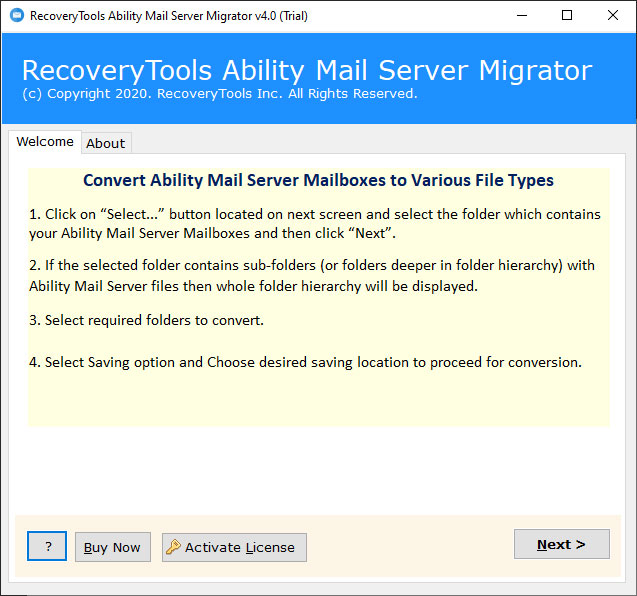
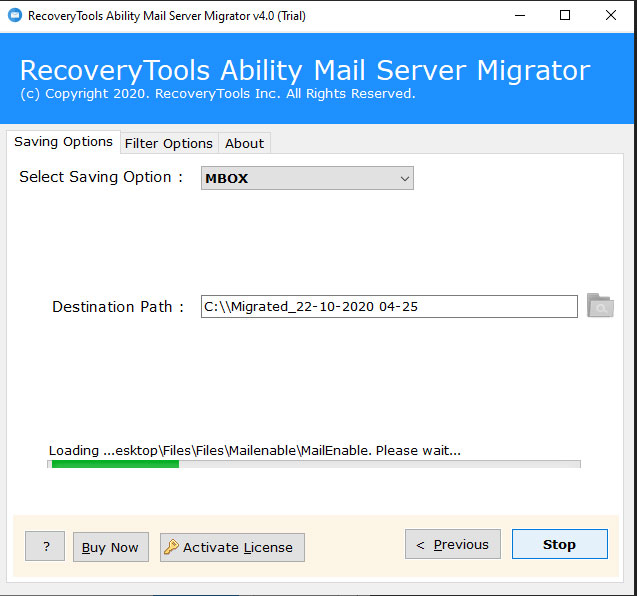
This utility has a very clean, simple, and easily understandable interface so that tech or non-tech users can swiftly convert Ability Mail server data. It has dedicated buttons, panels, and tabs for each action that a user may need during such a process.

Multiple Advanced Filters
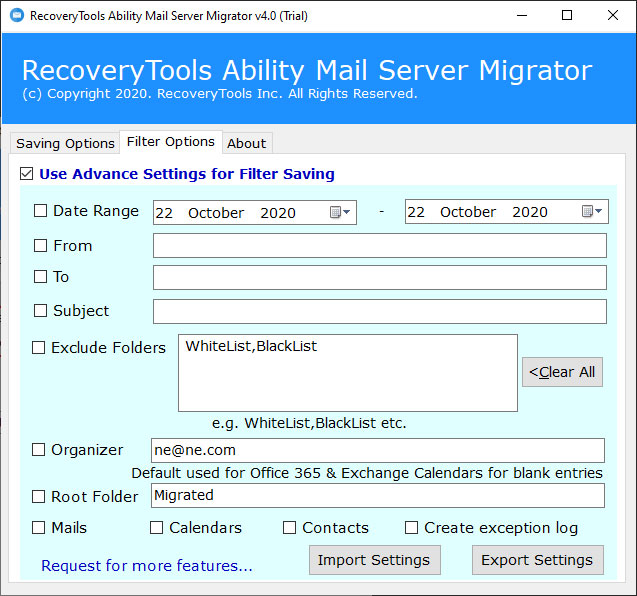
To sort and generate a specific output, there is a separate tab with a range of filtration options in it. Some of the most commonly used filters are Date Range, From, To, Subject, Excluded Folders, Root Folders, Organizers, Import Settings, etc.
Watch this step-by-step video guide to learn the simple working of this software.
Here are the basic requirements to download, run, and use this tool on your device.
System Specifications
Hard Disk Space
Minimum 100 MB Space
RAM
256 MB RAM (1GB Recommended)
Processor
Pentium IV Processor
Demo Limitations
Supported Editions
Electronic Delivery
RecoveryTools Ability Mail Migrator Tool will be delivered automatically. Once your payment is confirmed, you will receive an email with a link to download the tool and the activation key.
Have a look at the most common queries to convert Ability Mail server data.
Yes, by using the Date Range option of the advanced filters you can seamlessly convert one year or any customized period data from Ability Mail server.
Yes, this application facilitates to migrate Ability Mail Server to Gmail account or any other email source and prominent email formats.
Yes, this is a compatible tool and easily supports all the latest versions of Windows operating system. It includes Windows 11 (64-bit), 10, 8, 7 (32-bit or 64-bit) & Windows Server 2022, 2019, 2016, 2012 R2, 2008, etc.
Yes, this Ability Mail Server converter application allows users to migrate emails from Ability Mail Server to Outlook PST in batch mode too without losing or altering any attribute.
No, this utility is an independent solution. Therefore, it does not require installation of any external utility to migrate Ability Mail Server data.
Have a look at some of the most recent reviews on our tool.
"This Ability Mail Server migrator is powerful and undoubtedly meets all user’s requirements. I have performed conversion of Ability Mail Server emails into PDF format. Within a couple of minutes, the tool completed the migration with complete accuracy."


Evie, California
"I am quite impressed with the Ability Mail Server conversion tool. One can convert Ability Mail Server data to numerous file formats with precision. This wonderful utility supports all versions of Windows OS which is the best thing."

Grace, Algeria
"This software of Ability Mail Server converter suits the needs of all home as well as corporate users. I have migrated thousands of Ability Mail Server messages using it and found no data missing at all. Best thing is that it is error-free and does not save the user’s crucial details in the software’s database."
Jane, London


 Support
  Blog
Blog  +1 7025533020
 Download Now
 Purchase Now